

More improvements on the way
TSB mobile app made easier
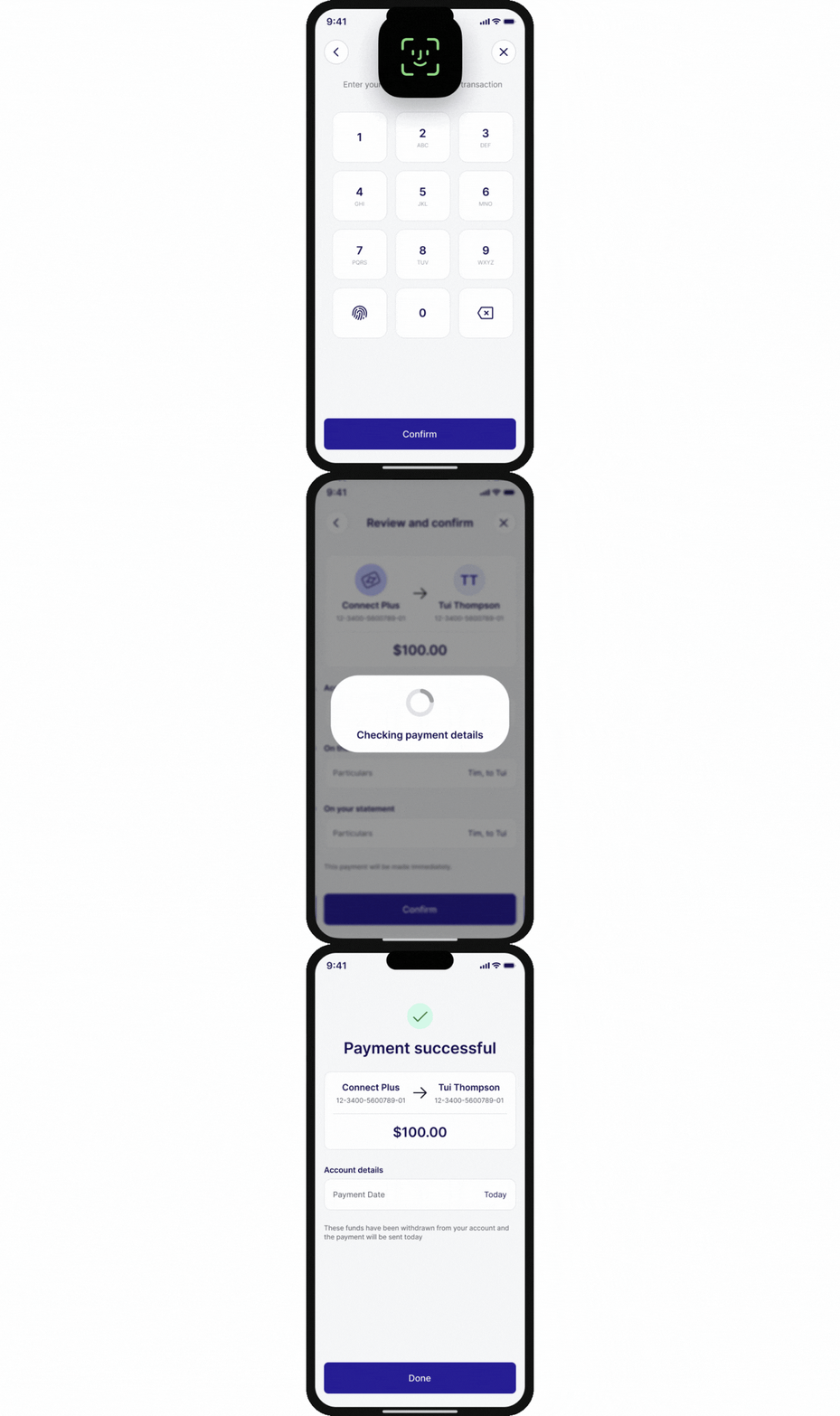
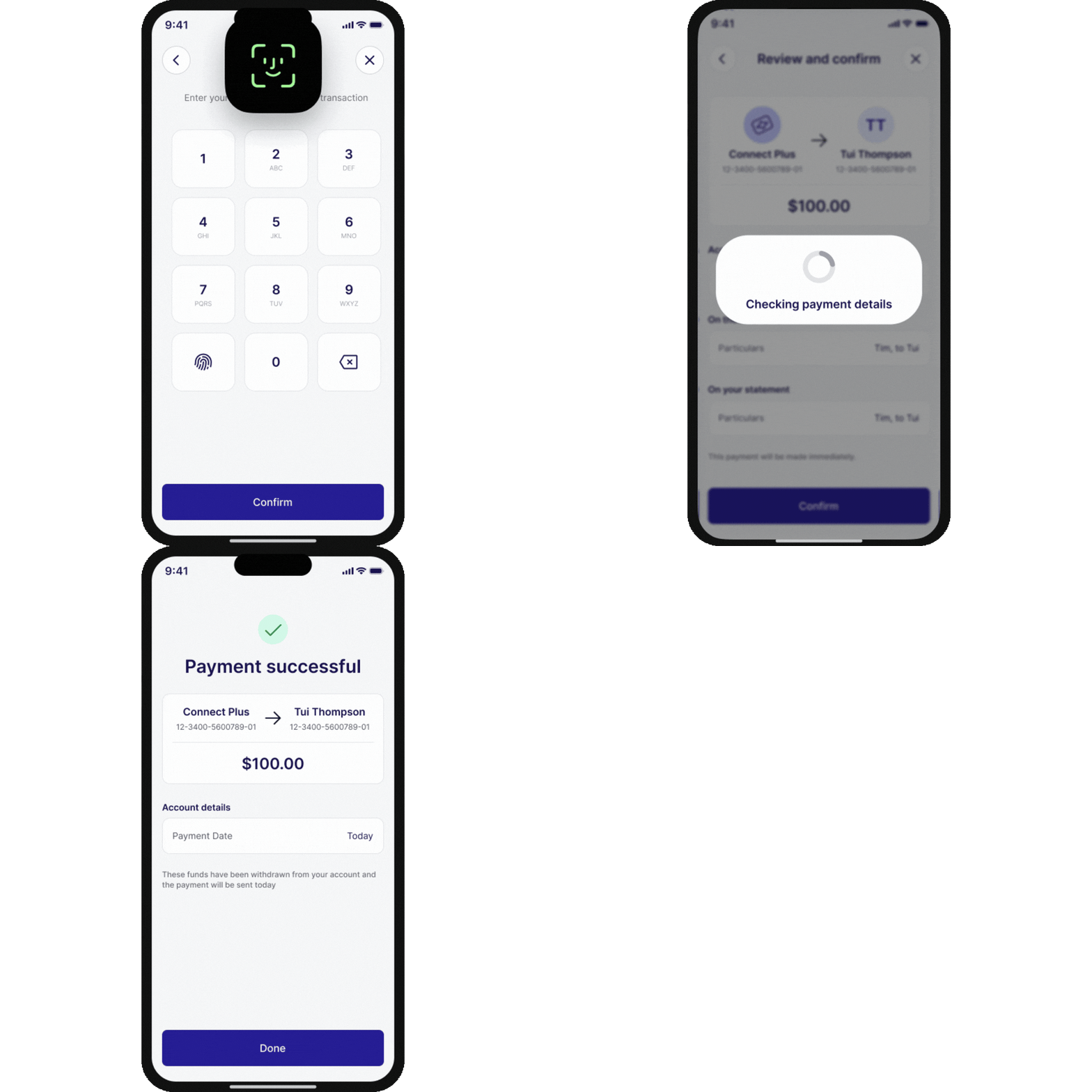
Use Face ID, Touch ID, your fingerprint or PIN to quickly and securely approve eligible payments and other actions in the app.
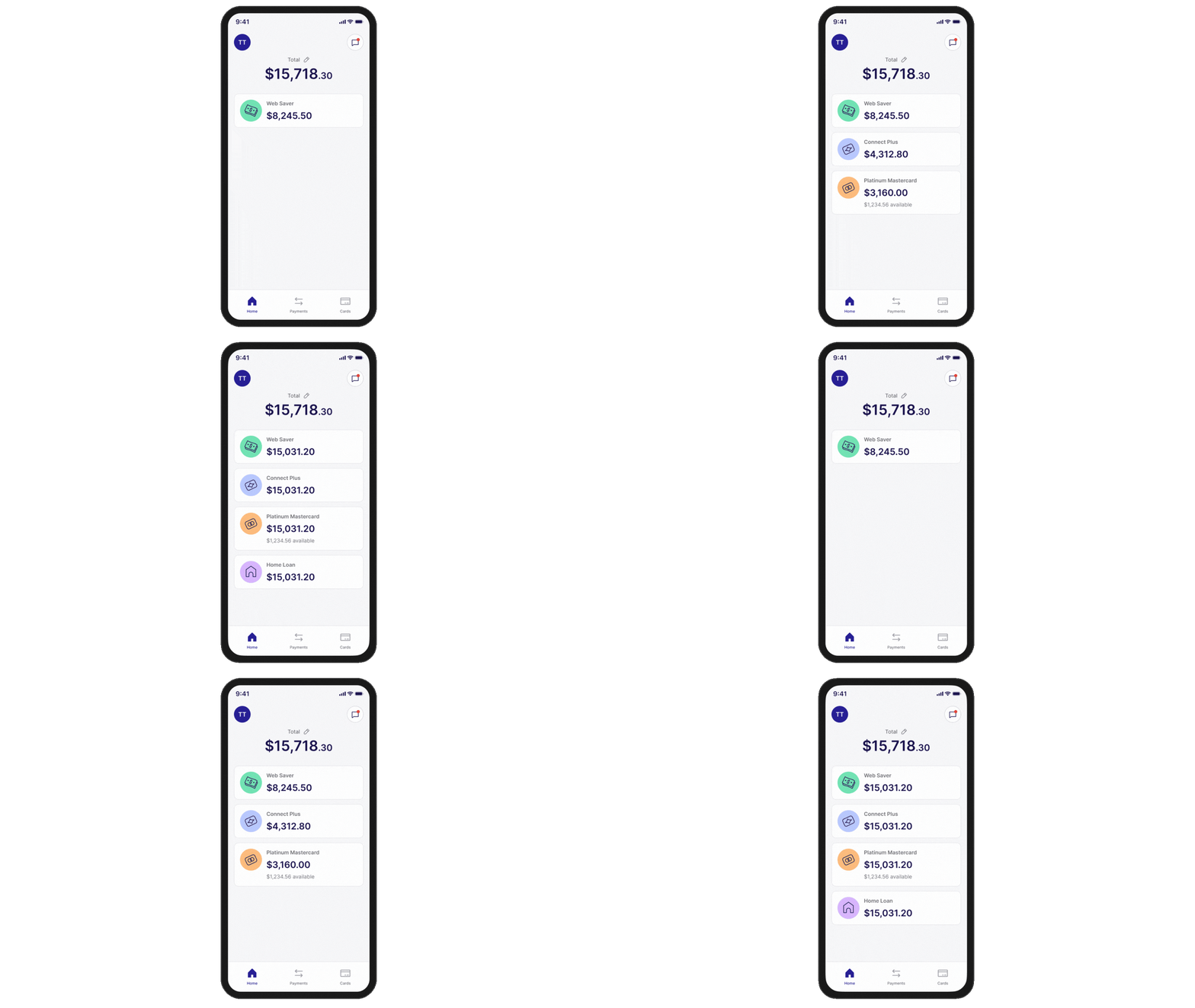
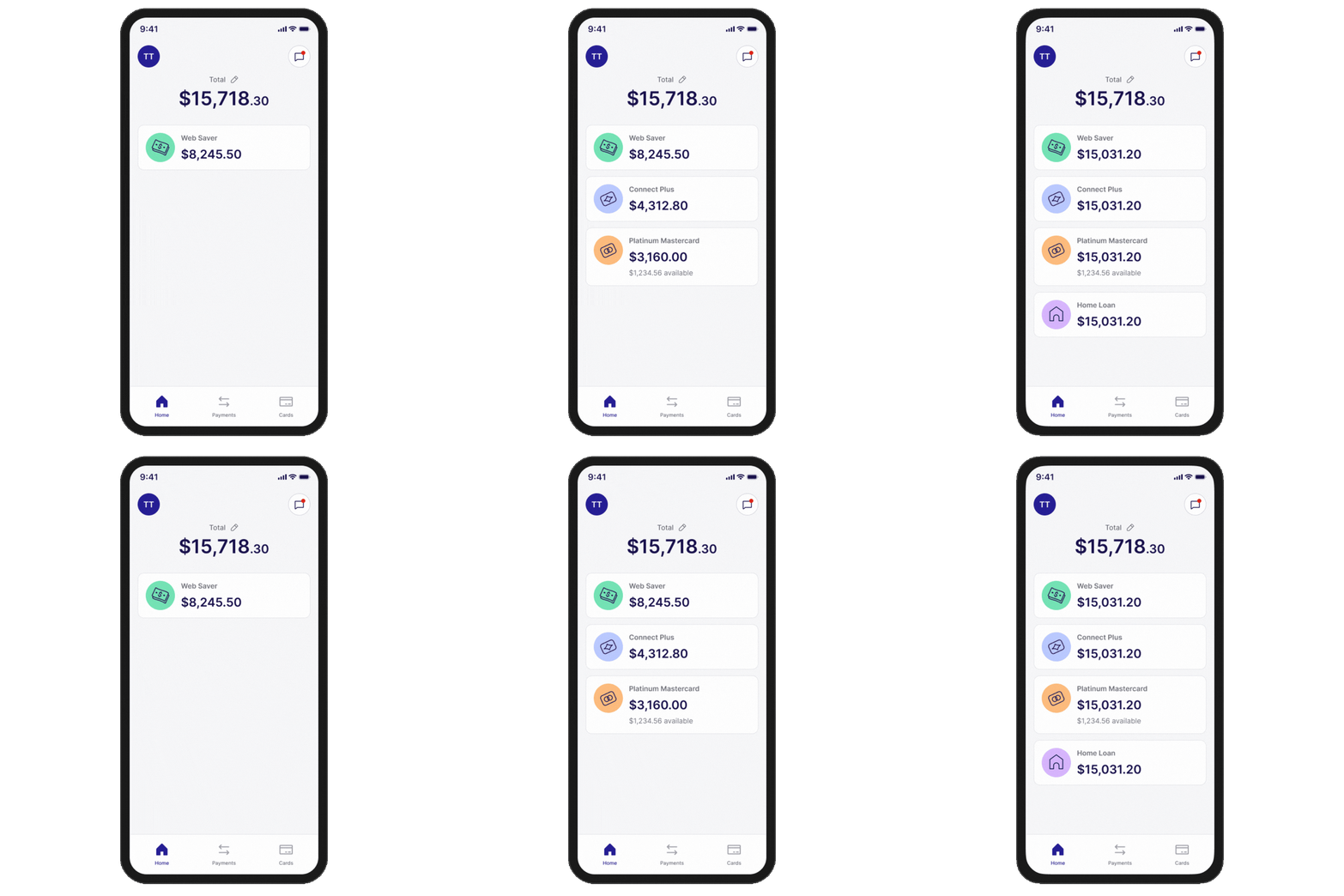
Your refreshed home screen brings your total balance and most-used features together, making it quicker to pay, transfer money and manage your cards.
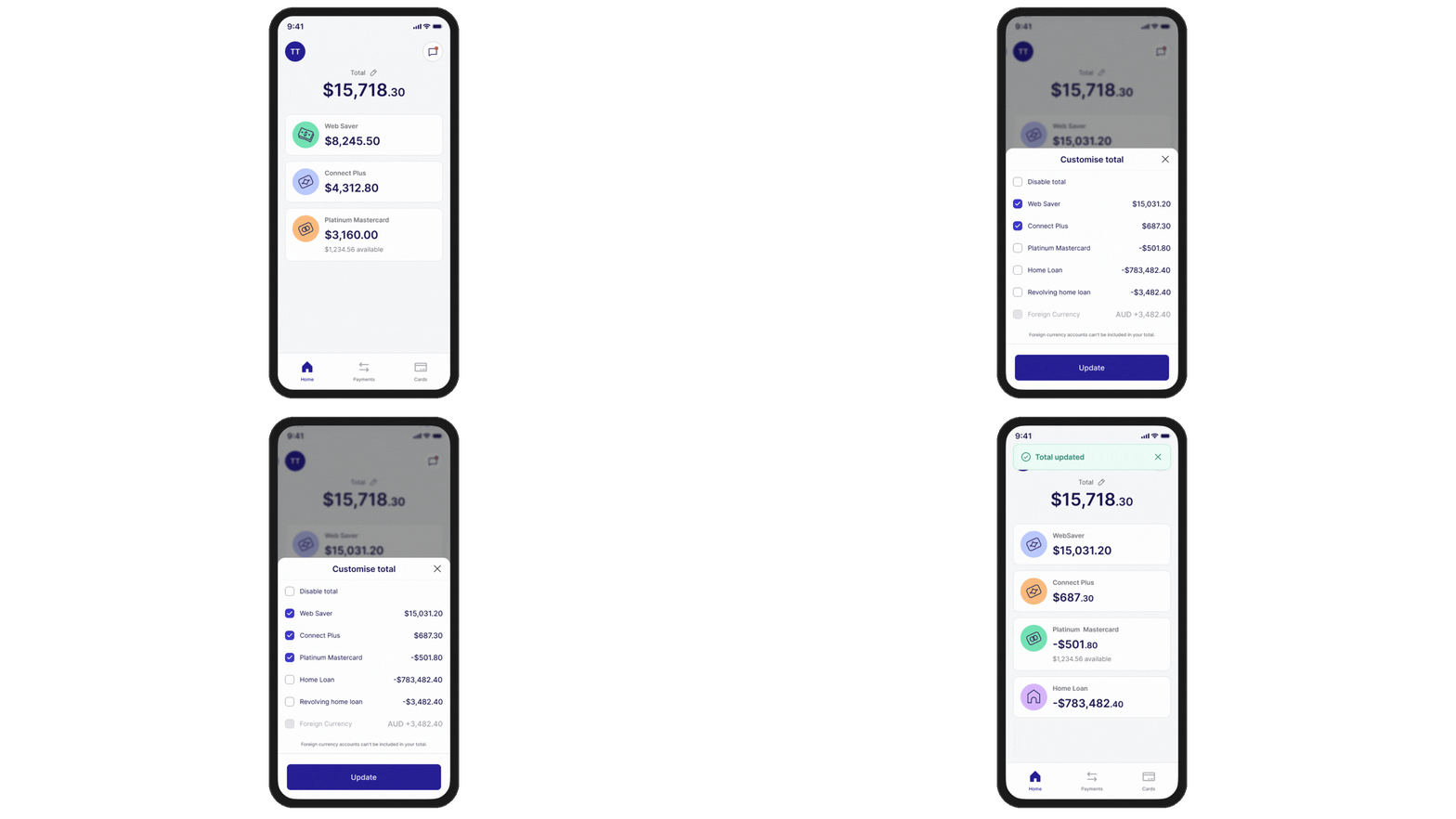
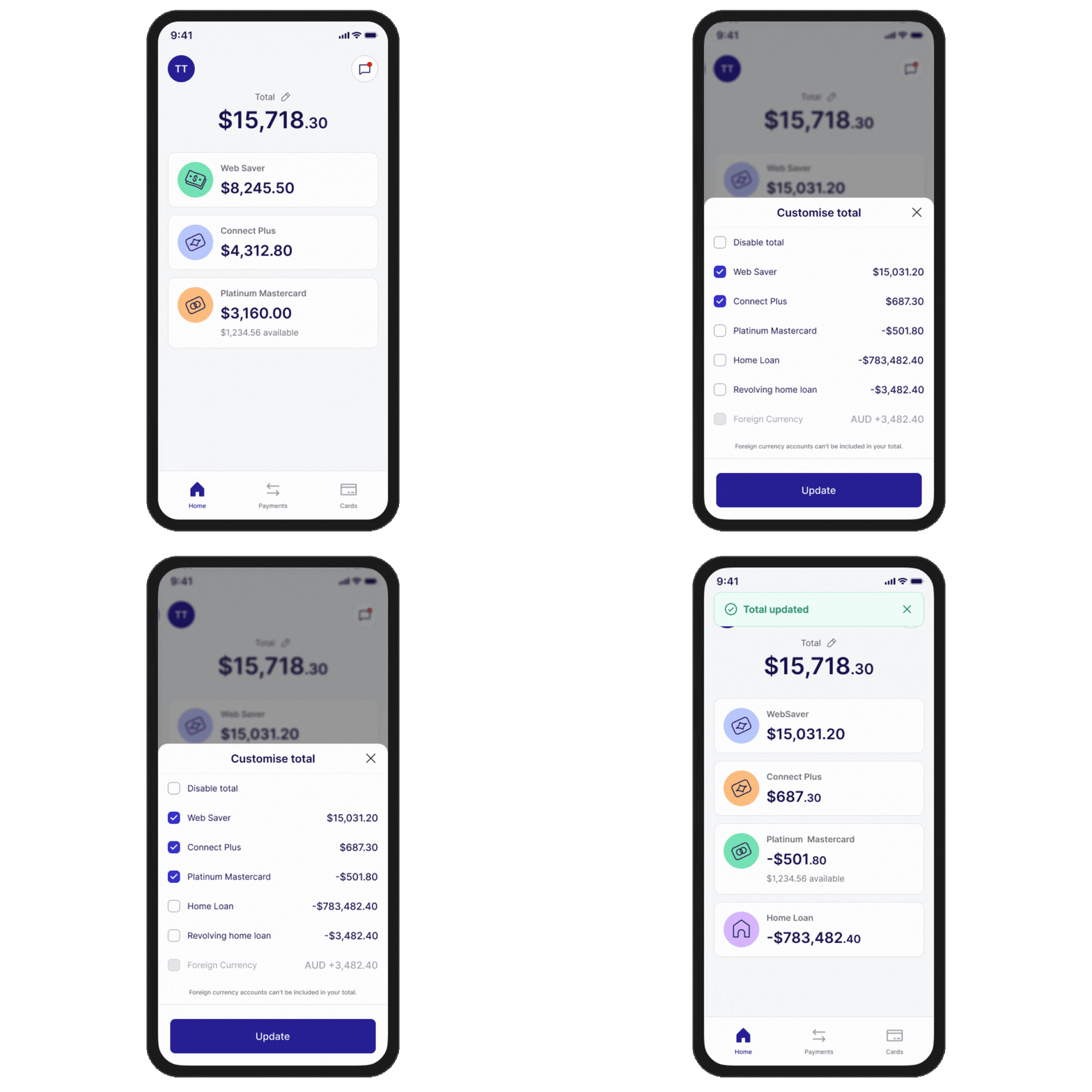
Choose which accounts are included in your total balance, so your home screen reflects what matters most to you.
More improvements on the way
TSB online banking made easier
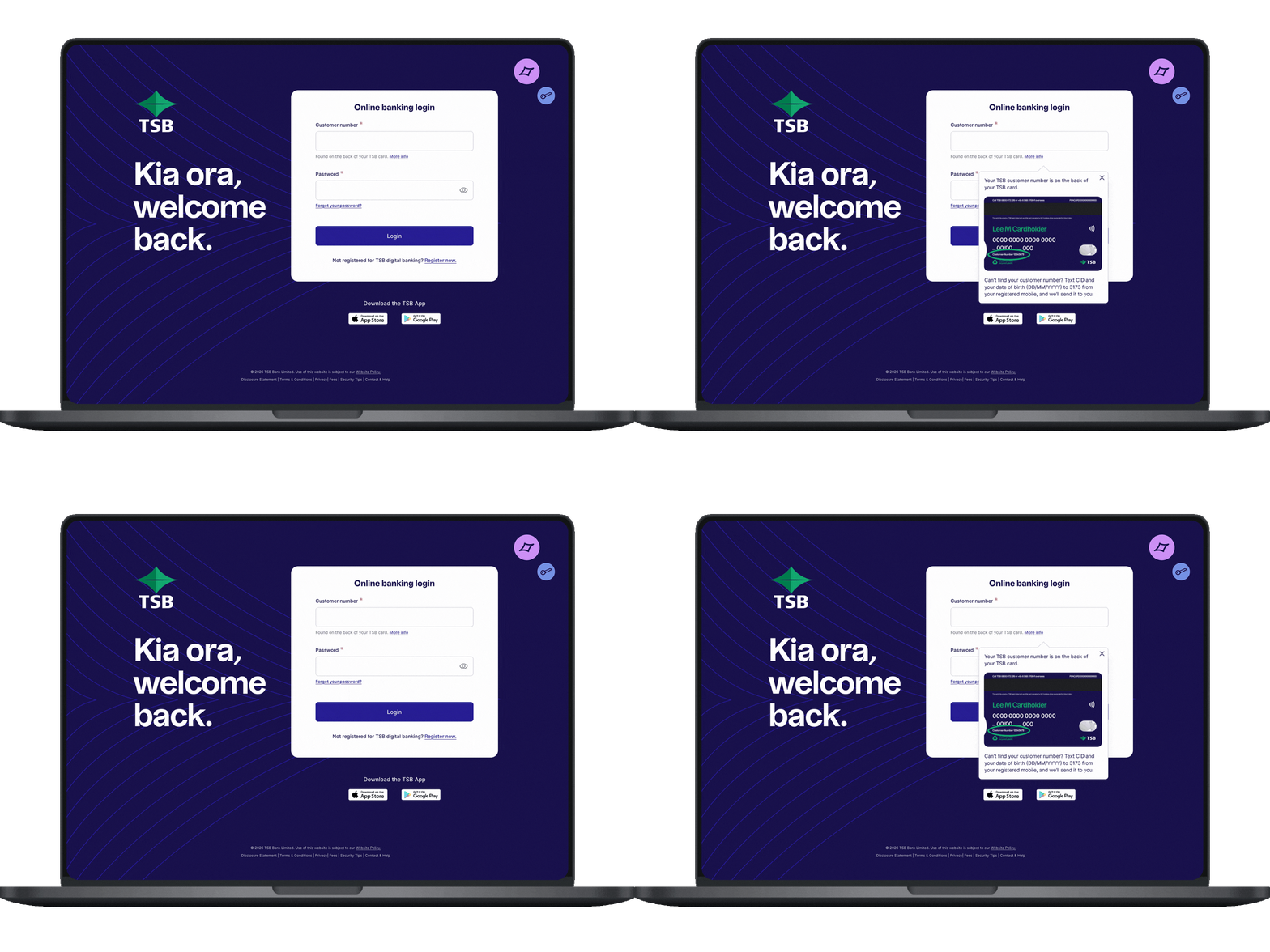
The updated login screen has a fresh new look that’s easier to recognise when signing in.
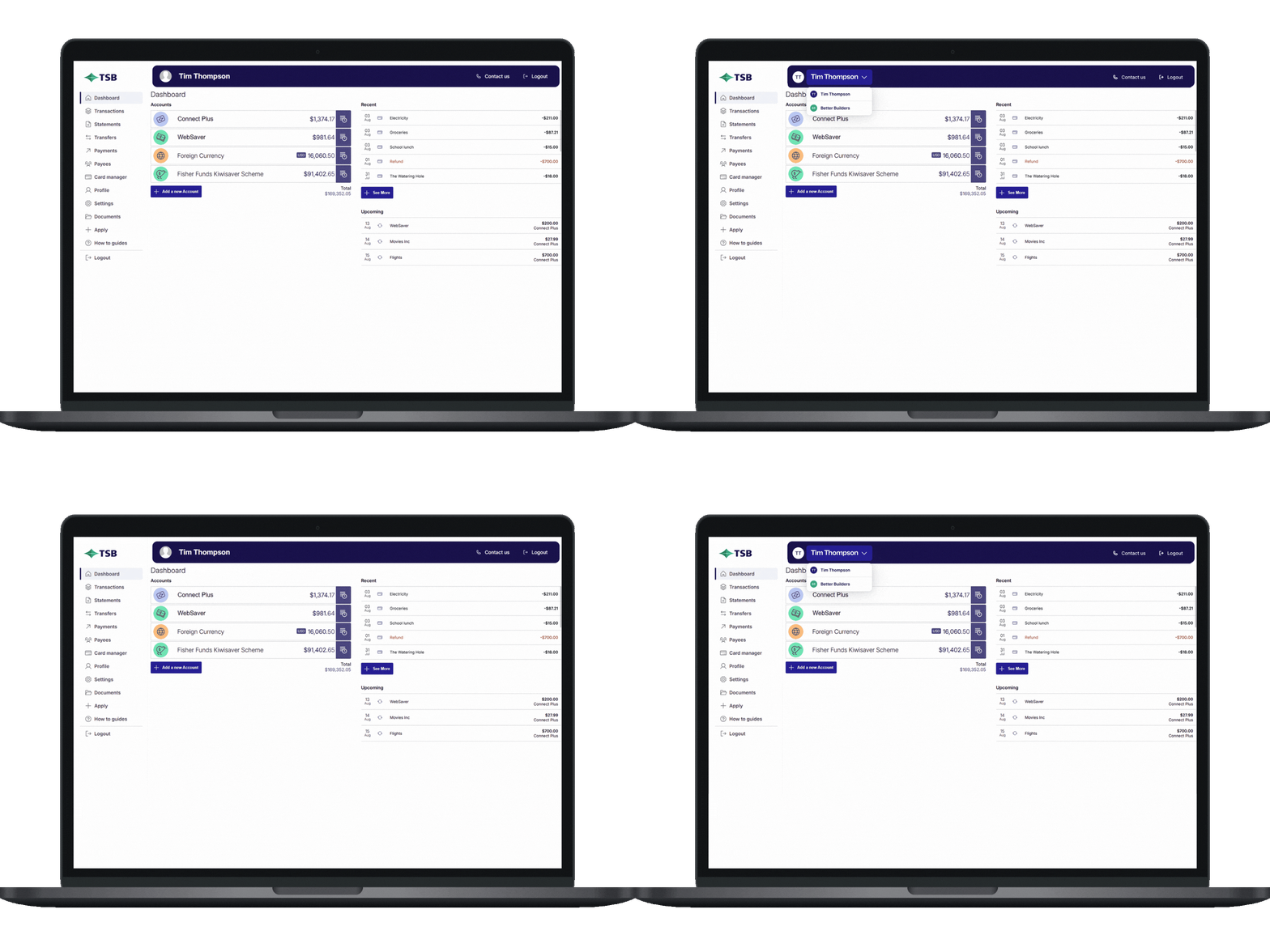
Enjoy simpler navigation and a clearer layout, making it easier to find what you need and get things done.
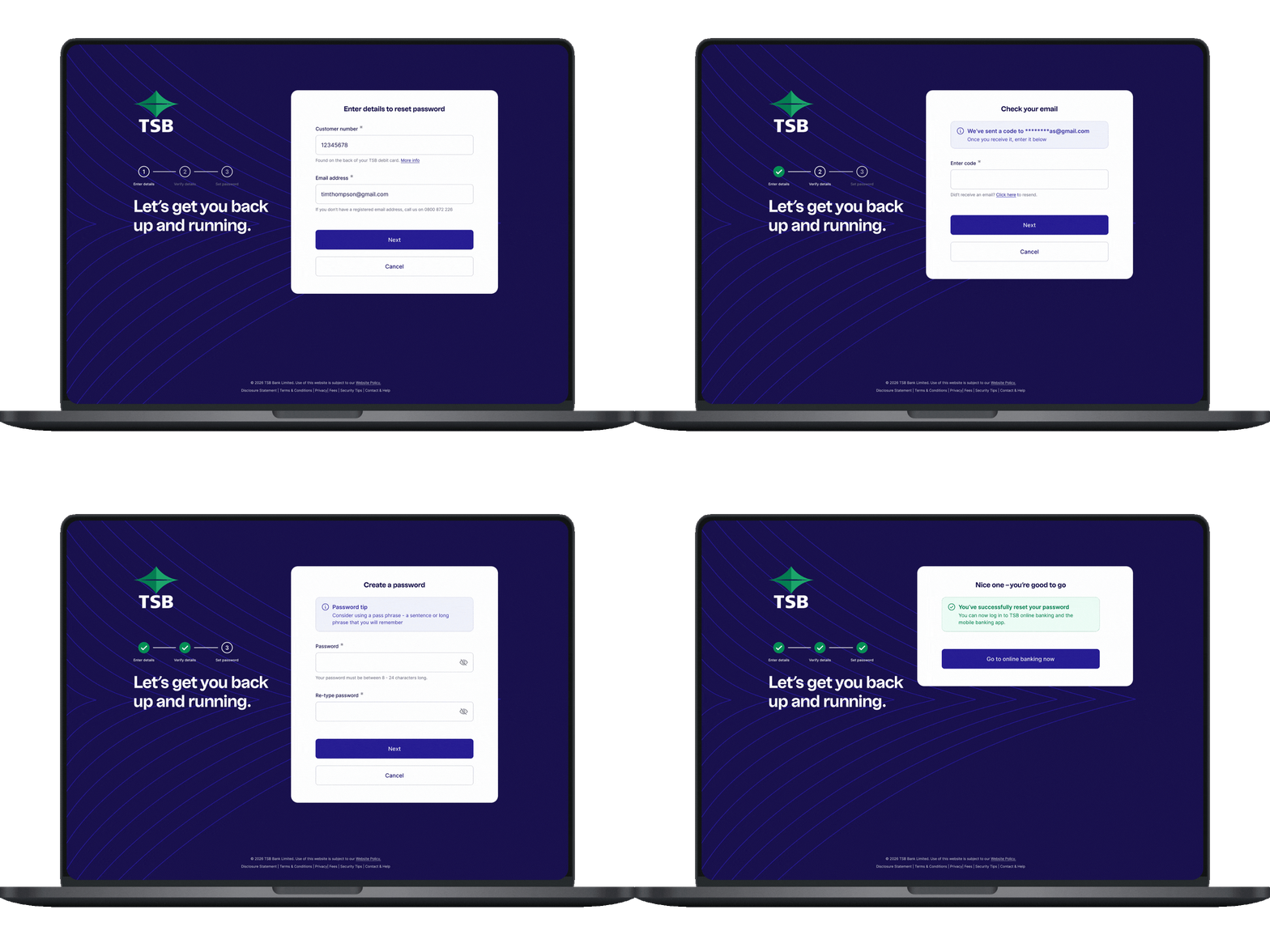
Resetting your password will be simpler, with clearer step-by-step guidance.

Help shape future updates
We’d love to hear what you think. Your feedback helps us keep improving your digital banking experience.
Everything you can do with digital banking
What you can do today
| Feature | TSB mobile app | TSB online banking | |||
|---|---|---|---|---|---|
| Feature |  View accounts and transactions Check balances, recent activity and account details |
TSB mobile app |  |
TSB online banking | |
| Feature |  Make payments and transfers Pay anyone in New Zealand or overseas |
TSB mobile app | |
TSB online banking | |
| Feature |  Pay bills Set up and manage bill payments |
TSB mobile app | |
TSB online banking | |
| Feature |  Manage cards Lock, replace, set limits and more |
TSB mobile app | |
TSB online banking | |
| Feature |  Open products Apply for accounts and other products |
TSB mobile app | Not yet |
TSB online banking | |
| Feature |  Statement and documents View and download your statements |
TSB mobile app | Not yet |
TSB online banking | |
| Feature |  Settings and profile Update personal details and preferences |
TSB mobile app | |
TSB online banking | |
| Feature |  Set alerts Get notified about important account activity |
TSB mobile app | |
TSB online banking | |
| Feature |  Personalise your accounts Rename accounts and choose account icons |
TSB mobile app | |
TSB online banking | |